Website maintenance made easy: The most important routines for security & performance

Introduction

In today’s digital world, your website is far more than just an online business card – it’s often the first impression customers get of your brand. But even the best-designed website will lose trust if it’s slow, outdated, or insecure. Regular maintenance doesn’t just mean everything “runs” – it protects your brand, your data, and your visitors’ user experience.

What is meant by website maintenance?

Website maintenance refers to regular checks, updates, and optimizations to ensure your website remains secure, fast, and fully functional. It’s the digital equivalent of a car’s regular inspection – prevention is always cheaper and safer than later repairs.

The main goals of website maintenance are:

  • Ensuring availability and performance: Identifying and fixing errors before they affect users.
  • Ensuring availability and performance: Identifying and fixing errors before they affect users. Updating software: Performing security updates for CMS, plugins, and libraries.
  • Speed ​​optimization: Reduce loading times and improve SEO ranking
  • Maintain trust: Prevent data leaks, SSL errors, or defective functions.

How does website maintenance work?

A well-maintained website relies on routine. Most companies follow a monthly maintenance cycle that includes the following:

  • Check for broken links or 404 errors
  • Updating WordPress core, themes and plugins
  • Testing backups and restores to ensure data security
  • Scanning for malware or unauthorized access
  • Verification of SSL certificates and DNS configurations
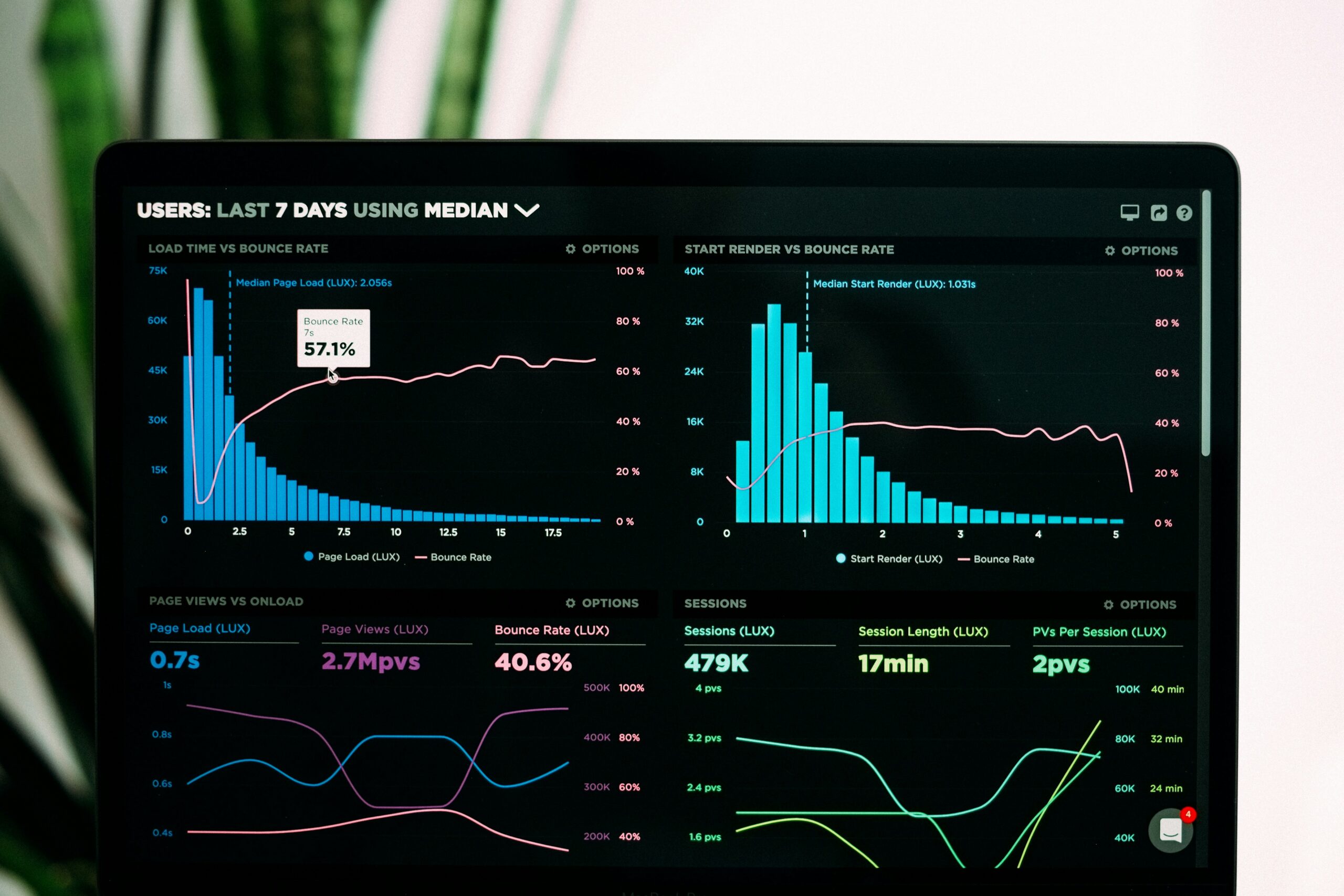
  • Analyze loading speed using tools like GTmetrix or PageSpeed ​​Insights

For larger websites, many of these tasks can be automated – for example, through WP-CLI scripts, uptime monitoring, or internal ClickSecurity checks.

Types of website maintenance

1. Technical Maintenance

Ensures that the technical infrastructure remains stable and secure – including updates, SSL renewals, server patches and compatibility checks after CMS or plugin updates.

2. Performance Maintenance

Focuses on the speed and responsiveness of the website. This includes image optimization, caching audits, CDN configurations, and load time analyses from different regions.

3. Safety Maintenance

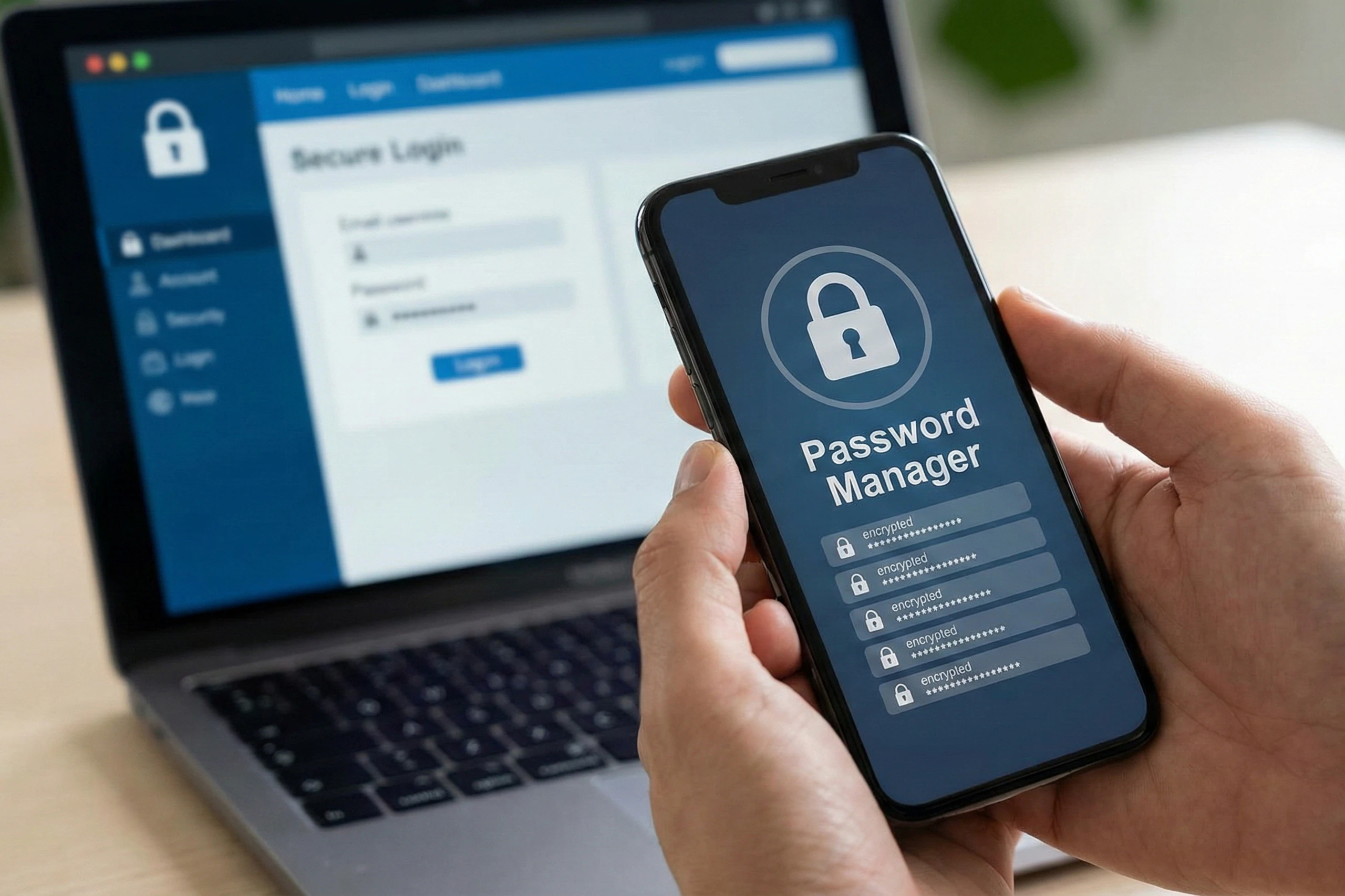
Protect your website from potential attacks. Regular password changes, two-factor authentication, and firewall monitoring (e.g., via ClickSecurity) help to detect security vulnerabilities early.

4. Content Maintenance

Ensure your website content remains up-to-date and relevant. Outdated product pages, missing SEO metadata, or broken blog images can negatively impact your ranking – regular checks prevent this.

Internal vs. External Maintenance

Should monitoring be done internally or externally?

  • Internal monitoring is suitable for systems behind a firewall, such as an intranet. However, it can fail if the outage affects the entire internal environment.
  • External monitoring is more reliable in most cases because it examines the website from the perspective of real users. Furthermore, it allows for the identification of regional problems such as DNS errors or local performance bottlenecks.

Why is it so important?

Some companies carry out maintenance work internally, while others rely on external experts.

  • Internal maintenance offers direct control, but requires expertise and time.
  • External maintenance (e.g., through managed service providers like Clickservice) offers professional monitoring, automation, and fast problem resolution.

The best solution is often a combination of both – internal awareness combined with external expertise and monitoring.

Why is website maintenance so important?

Neglected maintenance can lead to real financial and reputational damage. Common risks include:

  • Long loading times that lead to abandoned purchases
  • Security vulnerabilities that endanger user data
  • Outdated software that causes crashes or incompatibilities
  • Faulty features that frustrate visitors and destroy trust

Regular maintenance ensures:
✅ Maximum availability and reliability
✅ Consistent user experience across all devices
✅ Improved SEO performance and loading speed
✅ Long-term protection of your digital reputation

Conclusion

Your website is your company’s digital gateway – and like any valuable asset, it needs continuous maintenance. Website maintenance isn’t optional, it’s essential. Consistent updates, security checks, and performance optimizations ensure your online presence remains fast, secure, and trustworthy at all times – day in and day out.

SIMILAR ARTICLES