

BSI study reveals: How secure is your password manager?
Let’s be honest: How many passwords do you have to remember? And how many services do you use the same password for, just with a different number at the end? We’ve all been there. Password managers are touted as the solution to this chaos. They’re supposed to keep our digital keys safe. But how secure are these “digital vaults” really? The German Federal Office for Information Security (BSI) investigated this very question – and we’ve summarized the most important (and surprising) findings for you.
What exactly is a password manager?
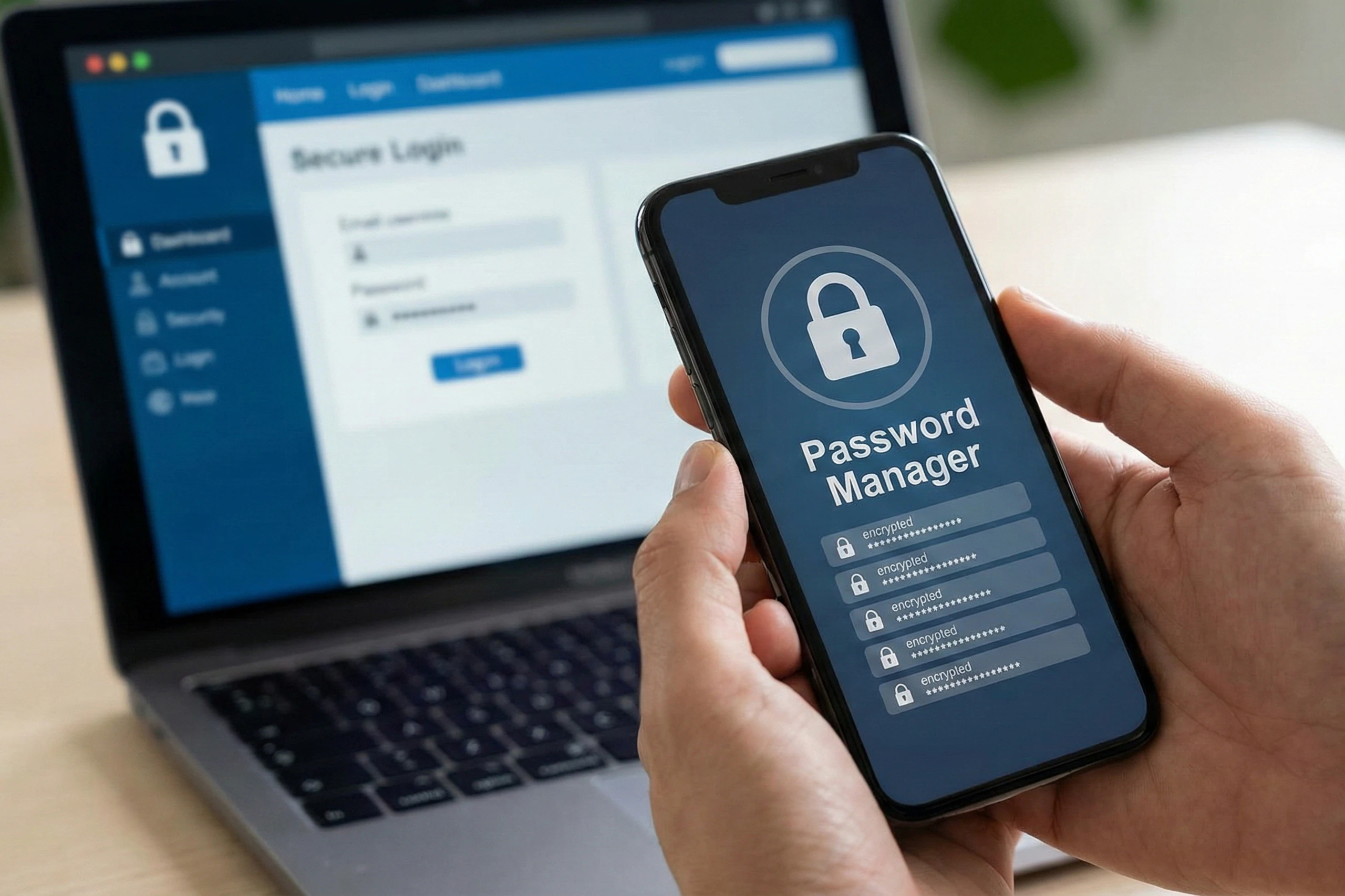
Imagine having a digital vault where all your passwords are securely stored. You only need to remember one strong “master password,” and the manager takes care of the rest: It generates complex passwords for new accounts, stores them encrypted, and automatically fills them in when you log in. Many managers also synchronize your data across devices, such as from your smartphone to your laptop, often via the cloud. Popular examples include tools like 1Password, LastPass, or the built-in manager in Google Chrome. The advantage? You avoid weak passwords like “123456” or using the same combination for everything—something hackers would love.
According to a survey by the North Rhine-Westphalia Consumer Center (VZ NRW), many people struggle with password management: many reuse passwords or choose simple ones, which increases the risk of hacking. Password managers can help here, but only if they themselves are secure.
The BSI investigation: Security under scrutiny
The German Federal Office for Information Security (BSI) has thoroughly tested ten popular password managers – from data encryption to system architecture. The result? There are clear differences in security. With three of the ten tools (including the Google password manager in Chrome), it is theoretically possible for the manufacturer to access your saved passwords, especially if synchronization is done via your account. That sounds alarming, doesn’t it? But don’t panic: In practice, this rarely happens, and the BSI emphasizes that the benefits of password managers far outweigh the risks.
Other vulnerabilities that were discovered:
- Incomplete encryption: Some managers do not encrypt all data optimally; for example, metadata (such as account names) remains unprotected.
- Weak default settings: Without adjustments, data could be more easily compromised.
- Missing re-encryption: When you change your master password, old data is not always automatically re-backed up.
Despite this: no manager was completely insecure. Many offer strong cryptography and protection against common attacks like phishing. The BSI sees room for improvement but has provided feedback to manufacturers to encourage improvements.
Data privacy: Who sees your data?
In addition to security, the Consumer Center of North Rhine-Westphalia (VZ NRW) examined data protection. They checked the privacy policies and the registration process. Good news: Most managers handle your data responsibly. But beware: Some collect more information than necessary, for example, for marketing purposes. Tip: Always read the privacy policy before registering. And when it comes to cloud syncing: Choose a manager that uses zero-knowledge encryption – this means the provider doesn’t see your passwords at all.
Practical tips for you as a user
Based on the BSI report, here are a few simple tips to get started safely:
- Choose wisely: Look at independent tests like this one. Tools with good encryption (e.g., AES-256) and no manufacturer access are top choices.
- Strong master password: Make it long and unique – e.g., a phrase like “MyDogLovesWalks2026!”.
- Enable two-factor authentication (2FA): This provides extra protection for your safe.
- For Google users: Set a custom passphrase for sync in the Chrome Manager to block Google’s access.
- Update regularly: Keep the app up to date to close security gaps.
- Consider alternatives: If you are suspicious, there are offline managers or open-source options like Bitwarden.
At the end of the day: A password manager is better than none at all. It makes your online life safer and easier. If you’re unsure which one to choose, contact us at Clickservice – we’re happy to advise you on digital security solutions!
Do you have experience with password managers? Share it in the comments. Stay safe online!
Source: Based on the BSI report from December 2025.